When people need a product or service, most of them start with Google. If your business doesn't appear, your competitors get the call. That's why so many business owners ask me the same question: "How do I advertise my business on Google?"
The answer is that there isn't just one way. Google offers several paid advertising options, plus some powerful free ones. In this guide I'll explain every option, how each works, what it costs, and which ones make the most sense for your business. If you'd like expert help, see our Google Ads management service.
Why Advertise on Google?
- People on Google are looking to buy. Someone searching "kitchen fitter near me" has a need right now.
- It's fast. Paid ads can put you at the top of Google within hours.
- You control the budget. You decide how much to spend each day and can pause at any time.
- It's measurable. You can see exactly how many clicks, calls and enquiries your ads generate.
- You can target precisely, by location, time of day, device and search term.
The key difference: social media ads interrupt people who might be interested. Google ads reach people who are already searching for what you sell.
Paid Ways to Advertise on Google
Google Search ads
Search ads are the text adverts that appear at the top and bottom of Google search results, marked "Sponsored". You choose the keywords you want to appear for and pay when someone clicks.
Best for: almost any business that customers search for, particularly service businesses. It's usually the best starting point. Our guide to how Google Ads works explains the details.
Google Shopping ads
Shopping ads show your products with an image, price and store name, at the top of search results and in the Shopping tab.
Best for: online shops and retailers. See our guide to Google Shopping.
Performance Max
Performance Max campaigns use Google's automation to show your ads across Search, Shopping, YouTube, Display, Gmail and Maps from a single campaign.
Best for: businesses with solid conversion tracking and enough data for Google's automation to learn from. It can be powerful, but it offers less control and visibility than Search campaigns.
Local Services Ads
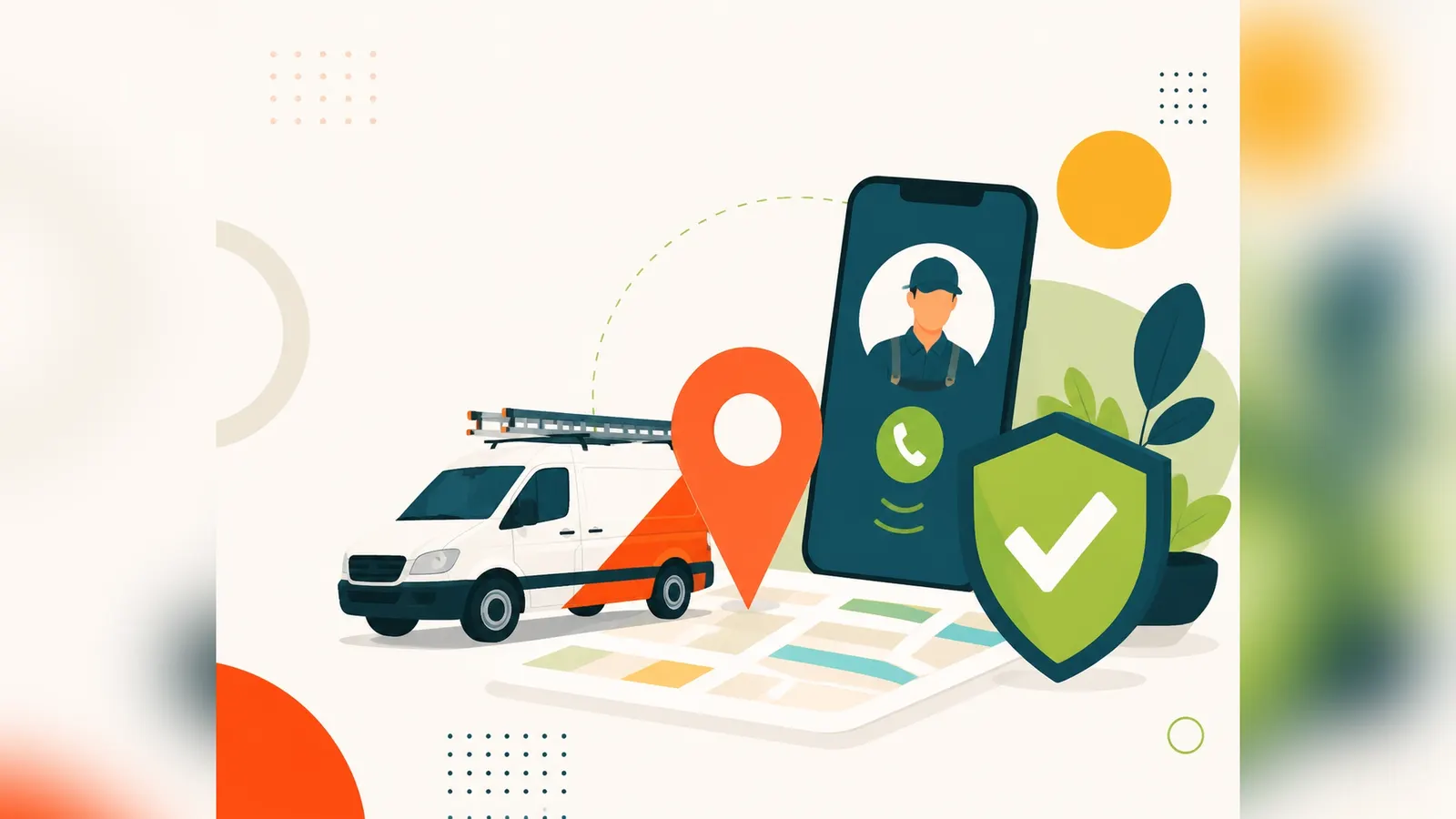
Local Services Ads appear at the very top of certain local searches, showing your business name, reviews and a Google Verified badge. You pay per lead rather than per click.
Best for: eligible local service businesses such as plumbers, electricians, locksmiths and some professional services. Read our guide to Local Services Ads.
Display ads
Display ads are image and banner ads shown across millions of websites, apps and Gmail.
Best for: brand awareness and remarketing, which shows ads to people who've already visited your website. See our guide to display ads.
YouTube ads
Video ads appear before, during and alongside YouTube videos.
Best for: building awareness, showcasing products and telling your brand story.
Free Ways to Advertise on Google
Google Business Profile
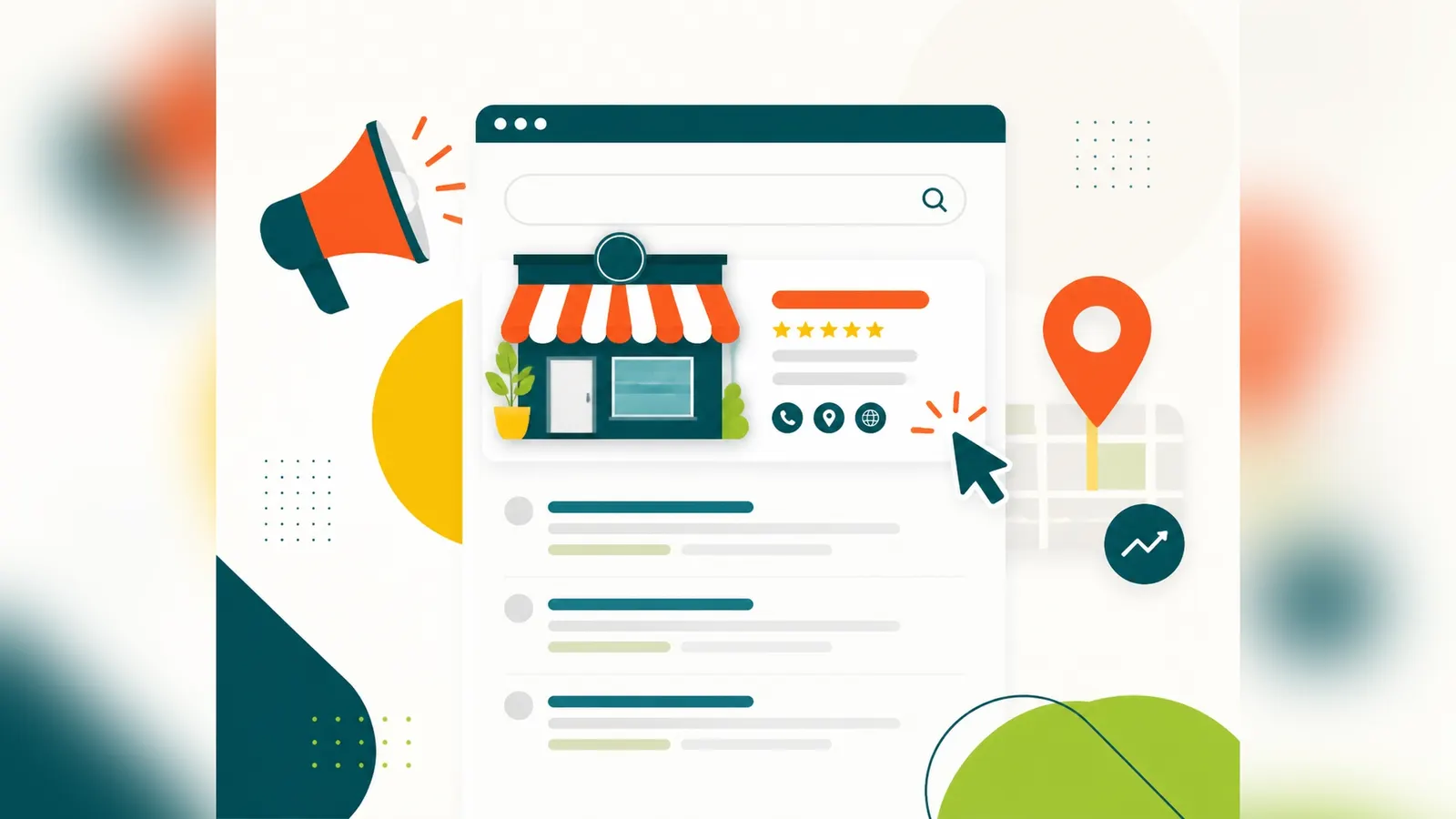
Your free Google Business Profile shows your business on Google Maps and in local search results, complete with reviews, photos, opening hours and contact details. For local businesses, it's the most important free listing you can have. See our local SEO services.
Organic search (SEO)
Search engine optimisation earns you free listings in the main search results. It takes longer than ads, but the traffic keeps coming without paying per click. See our SEO services.
Free product listings
Online shops can list products for free in Google Shopping through Google Merchant Center.
Read more in our guide to how to advertise on Google for free.
Which Google Advertising Option Is Right for You?
| Business type | Best starting point |
|---|---|
| Local trade or service | Search ads, Google Business Profile, Local Services Ads if eligible |
| Professional services | Search ads plus SEO |
| Online shop | Shopping or Performance Max, plus free listings |
| New business | Search ads for fast leads, Business Profile and SEO for the long term |
| Established brand | A mix of Search, Performance Max, remarketing and SEO |
Most businesses get the best results from a combination of paid ads for immediate leads and free channels for long-term growth.
How to Get Started With Google Ads
- Set a clear goal, such as phone calls, enquiries or sales
- Make sure your website is ready, with a fast, relevant landing page
- Set up conversion tracking, so you know what's working
- Research your keywords, focusing on searches from people ready to buy
- Write specific, compelling ads
- Set a sensible budget and start with a focused campaign
- Review and optimise regularly
Our step-by-step guide to setting up Google Ads covers each of these in detail.
How Much Does It Cost to Advertise on Google?
There's no minimum spend. You set your own daily budget. Costs depend on your industry and competition, with some local service clicks costing a pound or two and competitive sectors costing much more. Many small businesses start with a few hundred pounds a month to test what works. See our guide to Google Ads costs.
Common Mistakes When Advertising on Google
- Sending traffic to your homepage instead of a relevant landing page
- Using broad keywords without negatives, paying for irrelevant clicks
- Skipping conversion tracking, so you can't tell what's working
- Targeting too wide an area for a local business
- Accepting every Google recommendation without checking it
- Setting it and forgetting it, when campaigns need regular attention
Should You Manage Google Ads Yourself or Use an Agency?
You can run Google Ads yourself, and some business owners do it well. But it takes time to learn, and mistakes can be expensive. A specialist can usually get better results from the same budget by cutting wasted spend and improving your ads and landing pages.
At SERPentity, we manage Google Ads and SEO side by side, and we build landing pages too. That means your ads, website and organic rankings all work together, with one team and one plan.
What Makes a Google Ad Stand Out?
With several businesses competing for the same search, your ad needs a reason to be chosen. The best-performing ads are specific. Instead of "Quality Plumbing Services", try "Boiler Repairs in Sheffield – Same-Day Callouts, 5-Star Rated". Include what makes you different, such as fixed prices, fast response times, years of experience, accreditations or guarantees.
Use every relevant asset: sitelinks to key services, callouts for your selling points, your phone number and your location. These make your ad larger and more useful, which tends to improve click-through rates.
Finally, match the ad to the landing page. If your ad promises same-day boiler repairs, the page people land on should talk about same-day boiler repairs, with an obvious way to call or book. That consistency is what turns clicks into customers.
Final Thoughts
Advertising on Google is one of the fastest ways to reach customers who are actively looking for what you offer. The key is choosing the right mix of paid and free options for your business, then making sure every click lands on a page that turns visitors into customers.
Want help choosing the right approach? Get a free audit and we'll recommend the best way to advertise your business on Google.